



Monkeyzino App
The Monkeyzino app is a compact PWA for smartphones, tablets and computers. Thanks to its full-screen mode and shortcut launch, it works just like regular mobile software. What’s more, our application syncs with your Monkeyzino account, so you can easily switch back to your browser – and all your progress and profile settings will stay saved.



Mobile Gaming at Monkeyzino
At Monkeyzino, you can access the mobile casino in two ways: through your mobile browser or a separate progressive web app. With the first option, you can use the responsive version of our website, which automatically adapts to your phone’s screen size. With the second, you can launch our platform from a shortcut on your home screen and get a native app-like experience.
Unlike the browser version, the Monkeyzino app can handle many more situations and conditions – even if they are challenging.
- Slow mobile internet – Thanks to Service Worker and caching, our solution loads content faster. Also, if your connection drops for a moment, you can quickly get back into your session.
- Limited storage space – The Monkey Zino app is only up to 5 MB, so you don’t have to install a heavy file.
- Older smartphone – Because the PWA is lightweight, it minimizes the load on your device.
- Low battery – Your phone will keep its charge for longer thanks to Lazy Loading.
- Small screen – With large buttons and other touch-friendly elements, you can comfortably play mobile slots and clearly see your results.
The Monkeyzino casino app also supports other game genres on mobile devices. For example, live casino streaming stays uninterrupted thanks to adaptive video loading. Also, our solution uses WebSockets to transfer data in real time, which is especially important for mobile betting.
Play on Android
You can get our application on any Android device. And you don’t need to download a large Monkeyzino APK file, because our PWA installs right through your browser with a Web App Manifest.
There are many reasons why players choose our Android app. First, it has the same interface as our website, so you’ll find all the game categories that are familiar to you – such as Top Games, Exclusive and others. Second, it supports an offline mode. And that way, you can open some pages even without an internet connection.
| Features and Sections | What the Monkeyzino App Displays Offline | What You Can’t Do in That Mode |
| Homepage menu | Static content about promotions and bonus offers | Switch languages |
| Casino + Live Casino | “Favorites” + frequently visited game categories | Play games |
| Sports | Available sports and events | Place bets or view results |
| Profile | Your rating scale, profile details and the History section (shows data from the last time you opened this page) | Update your account information or set limits |
| Payments | Payment methods that you can use at Monkeyzino Casino | Make deposits or withdrawals |
| Help | FAQ and Terms and Conditions page | Contact our support team via live chat |
The main advantage is that our application doesn’t need to be updated – new versions install automatically. So you don’t have to go to Google Play and look for the latest one.
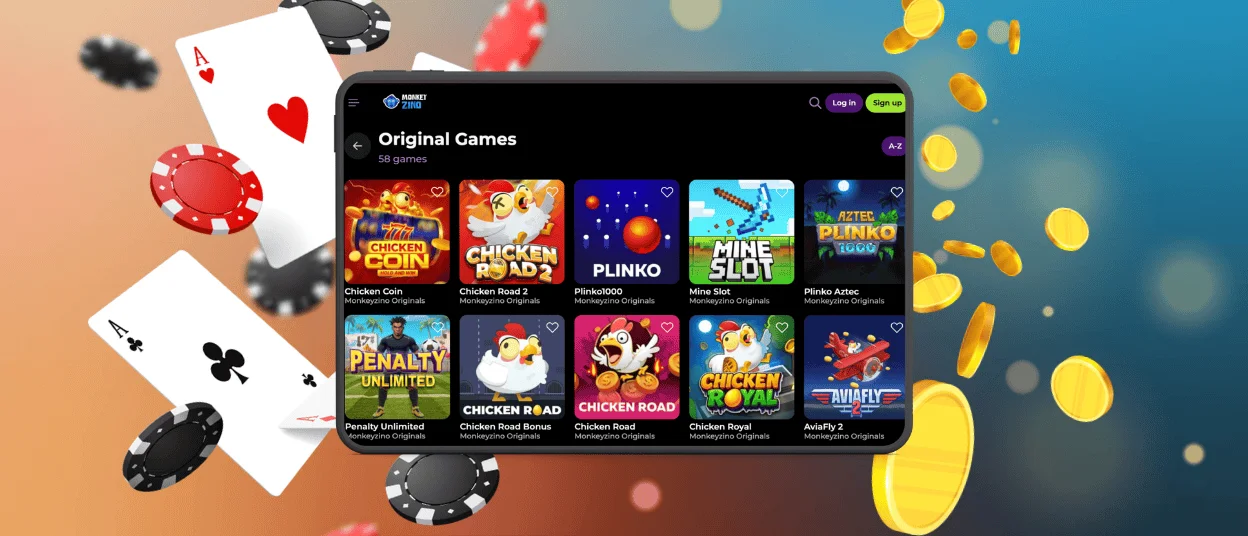
Monkeyzino App for iOS
On iPhones and iPads, the Monkey Zino app opens in full-screen mode without the Safari address bar. You can still use any feature that is available on our website – for example, you can activate bonuses or sort games by category and provider.
Mobile gambling in the Monkeyzino app is just as safe on iOS as on any other operating system. And all this is thanks to our security system, which consists of a WAF and other anti-fraud tools. What’s more, all data that you upload to our iOS app is encrypted with HTTPS and TLS.
Desktop Experience
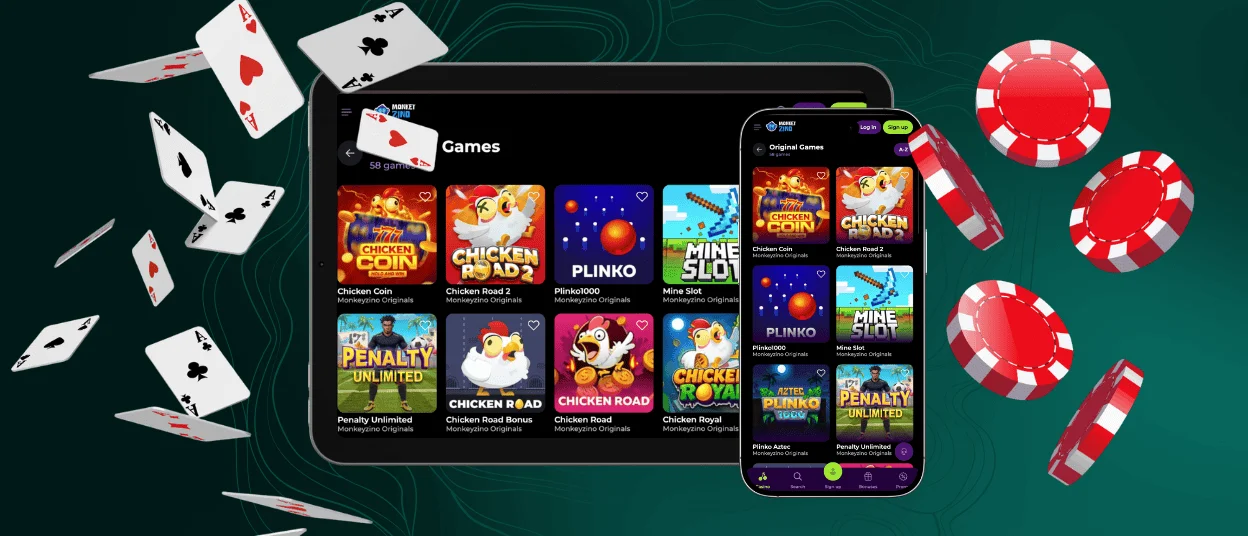
Our PWA works on Windows and Mac just like a regular program – it opens in its own window, and you can launch it from a shortcut. To get it on your computer or laptop, you only need to spend a minute:
- Find the Monkeyzino Download App option – you’ll see it on our homepage under the mobile phone icon
- Select “Install” in the dedicated tab
- Wait a few seconds
- Look for the shortcut. On Windows, you’ll see it on the taskbar, while on macOS, it will appear in the Dock
- Open the Monkeyzino app to make sure that everything works as it should
If you ever need to remove the application, you can do that without worrying about your data. That’s because your account will still exist. Also, you can always reinstall our solution with the same Monkeyzino app download process.
Common Questions
Can I use biometric login in the Monkeyzino app?
This feature depends on what your device supports. If your phone has Face ID or Touch ID, you can set it up for the app shortcut.
Will my balance update in real time on all my devices?
Yes, everything in your profile refreshes in the background. However, we recommend that you do not use the Monkeyzino app and browser version at the same time. Our suspicious activity systems can see this as an attempt to hack your account.
Could I lose my game progress if I use the Monkeyzino mobile app on the go?
Our app keeps working even when the internet is unstable. So, if you have already clicked the Spin button in a slot and then lose your connection, your progress will still be saved on the server.


